
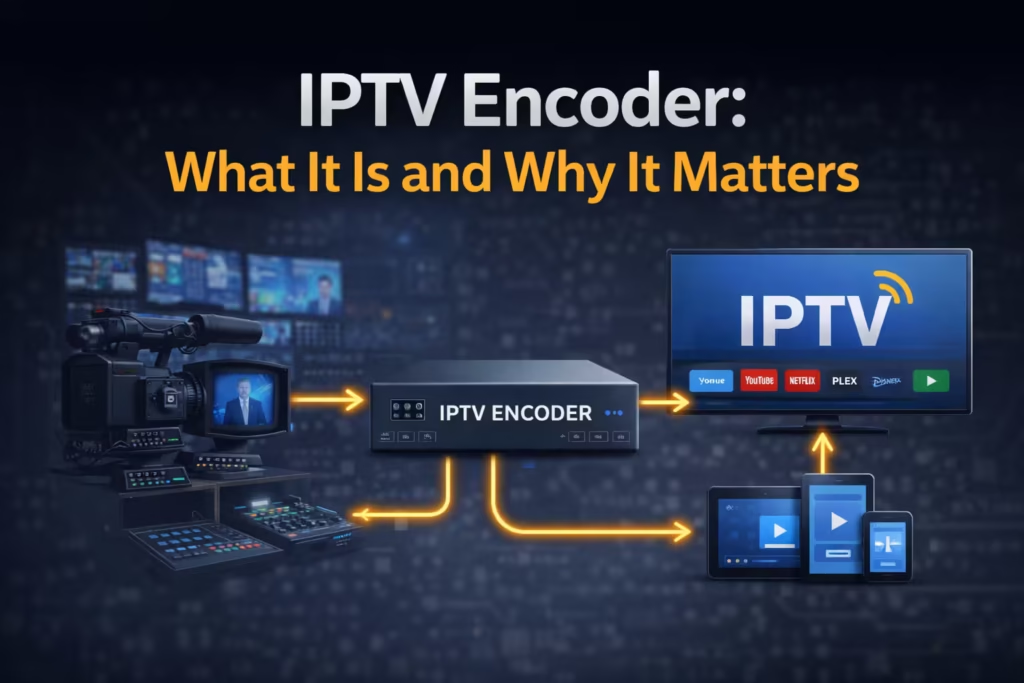
If you have ever noticed that one IPTV stream looks sharp and stable while another buffers or drops quality, the difference often comes down to encoding. Many users assume the issue is their internet or device, but the way the video is processed before it reaches you plays a major role. An IPTV encoder is the hidden layer that prepares video for streaming, controlling how efficiently it travels across the internet. This guide explains what an encoder does, how it works step by step, and why it directly affects the quality, stability, and delay you experience while watching IPTV.
What Is an IPTV Encoder? (Simple Explanation)
An IPTV encoder is a system that takes raw video input and converts it into a compressed digital stream that can be delivered over the internet. Raw video from cameras or broadcast feeds is extremely large and cannot be transmitted efficiently without processing. The encoder reduces the size of this data using compression techniques while maintaining visual quality.
Without encoding, streaming would require extremely high bandwidth, making it impractical for most users. By compressing the video into formats such as H.264 or H.265, the encoder allows content to be delivered smoothly across standard internet connections. In simple terms, the encoder acts as a translator that prepares video so it can be streamed quickly and played back on different devices without delays or excessive buffering.
How an IPTV Encoder Works (Step-by-Step)
To understand how IPTV streaming functions at a deeper level, it helps to break the encoding process into stages. Each step transforms the video into a format that can move efficiently from the source to your screen.
Video Input (Source Signal)
The process begins with the video source. This can come from live broadcast feeds, cameras, or stored media files. In live IPTV scenarios, the signal is captured in real time from television channels or event feeds. This raw input contains uncompressed video and audio data, which is very large in size. Before it can be streamed, it must be processed and reduced without losing essential detail. This initial stage defines the quality of the final output, since poor source quality cannot be fully corrected later in the pipeline.
Compression (Codec)
Once the video is captured, it is compressed using a codec such as H.264, H.265 (HEVC), or AV1. Compression removes redundant data while preserving important visual information. H.264 is widely used because it balances quality and compatibility across devices. H.265 provides better compression efficiency, meaning it delivers similar quality at lower bitrates, which is useful for 4K streaming. AV1 is a newer format that offers even higher efficiency but requires more processing power. The choice of codec directly affects how much bandwidth is needed and how well the stream performs on different devices.
Bitrate Control
Bitrate determines how much data is transmitted per second during streaming. Higher bitrates improve image quality but require more bandwidth, while lower bitrates reduce data usage but may lead to visible compression artifacts. Encoders manage bitrate carefully to maintain a balance between quality and stability. If the bitrate is too high for a user’s connection, buffering occurs. If it is too low, the video may appear blurry or pixelated. Adaptive bitrate streaming is often used to adjust quality dynamically based on network conditions, helping maintain continuous playback.
Stream Packaging
After compression, the video is packaged into a format suitable for streaming. Common formats include HLS (HTTP Live Streaming) and MPEG-TS. These formats break the video into small segments that can be delivered sequentially. This allows playback to start quickly without waiting for the entire file to download. Packaging also enables features like adaptive streaming, where the player can switch between different quality levels depending on network performance. This step ensures that the encoded video can be delivered efficiently across different devices and internet speeds.
Delivery to Server/CDN
The final step involves sending the packaged stream to servers or content delivery networks (CDNs). These systems distribute the video to users based on their location, reducing delays and improving stability. Providers often rely on global infrastructure such as Cloudflare to deliver content closer to the end user. By using multiple servers, the system avoids overloading a single source and ensures consistent performance. Once the stream reaches the server, it becomes available for users to access through their IPTV player.
Why IPTV Encoders Matter for Streaming Quality
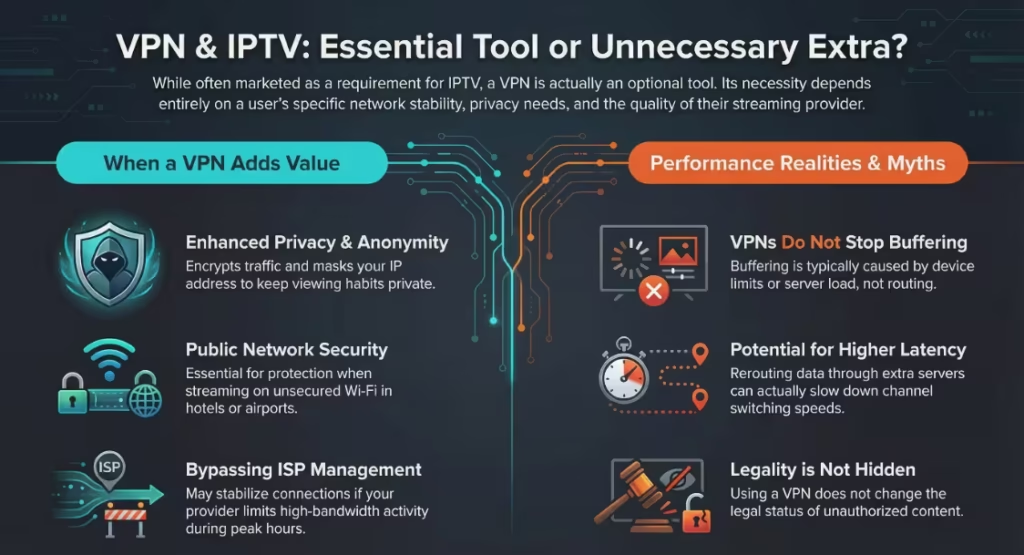
The encoder directly influences how smooth or unstable a stream feels. Poor encoding settings can lead to buffering, even if the user has a fast internet connection. If bitrate is not properly balanced, the stream may either overload the connection or drop in quality. Resolution drops are often caused by aggressive compression or adaptive bitrate adjustments when the encoder cannot maintain a stable output.
Live stream delay is another important factor. Encoding introduces latency because the video must be processed before it is transmitted. Inefficient encoding increases this delay, which is noticeable during live events such as sports broadcasts. In contrast, well-configured encoders reduce latency and maintain consistent quality. This is why two IPTV services with similar content can deliver very different viewing experiences, the difference often lies in how the video is encoded and prepared for streaming.
Hardware vs Software Encoders
Different types of encoders are used depending on performance requirements and flexibility. The table below highlights the main differences.
| Type | Pros | Cons | Use Case |
| Hardware Encoder | Stable performance, low latency, efficient processing | Higher cost, less flexible | Live broadcasting, large IPTV services |
| Software Encoder | Flexible, easier to update, lower initial cost | Higher CPU usage, more latency | Small-scale streaming, testing environments |
Hardware encoders use dedicated chips to process video, which makes them faster and more reliable for continuous streaming. Software encoders run on general-purpose computers and offer more control but require more system resources. The choice depends on the scale of the service and the level of performance needed.
Common Encoding Formats Explained
Different codecs are used to compress video, and each has its own advantages depending on the streaming scenario. Understanding these formats helps explain why some streams perform better than others.
- H.264: This is the most widely used codec due to its compatibility with almost all devices. It provides good quality at moderate bitrates and works well for both HD and standard streaming.
- H.265 (HEVC): This format offers better compression than H.264, delivering similar quality at lower bitrates. It is commonly used for 4K streaming but requires more processing power for decoding.
- AV1: A newer codec designed for higher efficiency. It reduces bandwidth usage further than H.265, but support is still growing and requires more advanced hardware for smooth playback.
In real-world use, H.264 remains the most reliable across devices, while H.265 is preferred for higher resolution streams where bandwidth efficiency is important. AV1 is gradually being adopted as newer devices begin to support it more widely.
What Happens When Encoding Is Poor?
Poor encoding is one of the main reasons IPTV streams fail to deliver a consistent viewing experience. One of the first visible issues is pixelation, where the image breaks into blocks or loses detail during fast motion. This usually happens when the bitrate is too low or compression is too aggressive. Another common problem is buffering, which occurs when the encoded stream exceeds what the user’s connection or device can handle. If the encoder does not maintain a stable output, the player cannot receive data fast enough, leading to pauses during playback.
Audio sync issues are also linked to encoding problems. When video and audio are processed incorrectly, they fall out of alignment, creating a noticeable delay between sound and visuals. These problems are not caused by the user’s setup alone. In many cases, they originate from how the stream is encoded before it reaches the viewer. This is why two services can deliver the same content but produce very different results.
How Encoding Affects Your IPTV Experience
Encoding plays a direct role in how smooth and responsive IPTV feels during everyday use. A well-optimized encoder produces a steady stream that allows continuous playback without interruptions, even when network conditions are not perfect. This results in fewer buffering events and a more consistent viewing experience. Encoding also affects how quickly channels load. Streams that are properly encoded start faster because the data is structured efficiently for playback.
Stable encoding improves overall stream reliability. When bitrate is controlled correctly, the player does not need to constantly adjust quality levels, which reduces sudden drops in resolution. This is especially important for live content, where delays and interruptions can disrupt the experience. If you still notice issues like buffering or quality drops, applying basic IPTV Troubleshooting steps can help determine whether the problem is related to encoding, your device, or network conditions. In simple terms, good encoding ensures that what you watch matches the quality you expect, without constant fluctuations or delays.
Why Encoder Quality Matters in Our IPTV Service
In our IPTV service, encoding is treated as a core part of performance, not an afterthought. Streams are configured with stable bitrate profiles to ensure they remain consistent across different network conditions. This reduces sudden buffering and prevents unnecessary quality drops during playback. By using optimized encoding settings, the service delivers streams that are easier for devices to decode, which improves compatibility across a wide range of hardware.
Consistency is another key factor. Instead of relying on uneven or overloaded streams, encoding is managed to maintain a balanced output at all times. This approach helps deliver predictable performance, whether you are watching live sports, movies, or on-demand content. The goal is to provide a viewing experience where streams load quickly, remain stable, and maintain quality without requiring constant adjustments from the user.
Do You Need to Worry About Encoders as a User?
Most users do not need to manage encoding settings directly, as this process happens on the provider’s side. However, understanding the role of encoding helps in choosing the right service. A reliable IPTV provider invests in proper encoding to ensure stable and high-quality streams. Without this, even a strong internet connection and a good device cannot guarantee smooth playback.
Instead of focusing on technical details, users should look for consistent performance, fast channel loading, and minimal buffering. These are indicators of well-managed encoding behind the scenes. In simple terms, you do not need to configure encoders yourself, but selecting a provider that handles encoding properly makes a noticeable difference in your overall experience.
FAQs
What is the difference between an encoder and a decoder?
An encoder converts raw video into a compressed format suitable for streaming, while a decoder does the opposite by converting that compressed data back into video for playback on your device.
Which codec is best for IPTV streaming?
H.264 is the most widely supported and works well across most devices. H.265 offers better efficiency for higher resolutions, especially 4K, but requires more processing power.
Does encoding affect buffering?
Yes, encoding has a direct impact on buffering. Poor encoding can produce unstable streams that exceed network limits or device capabilities, leading to interruptions during playback.
Final Thoughts
IPTV encoding is a key factor that determines how well a stream performs, yet it often goes unnoticed by users. From compression and bitrate control to delivery and playback, each stage influences the final viewing experience. When encoding is handled properly, streams remain stable, load quickly, and maintain consistent quality. When it is not, issues such as buffering, pixelation, and delays become common.
Understanding how encoding works helps you make better decisions when choosing an IPTV service. Instead of focusing only on channel lists or pricing, it is important to consider how the content is delivered behind the scenes. A well-encoded stream ensures that your device and connection can perform at their best, resulting in a smoother and more reliable viewing experience. If you want to experience the difference firsthand, you can get free IPTV trial access and evaluate stream quality, stability, and performance before making a long-term decision.